Saving contacts directly to your bOnline app helps you identify callers and reach out to customers quickly. This guide explains how to add new entries to your personal directory on the move.
Before You Start
Ensure you have the bOnline mobile app installed and are logged in.
Note that contacts added via this method will appear in your Personal directory.
Steps to Add a New Contact
Open the bOnline app on your mobile device.
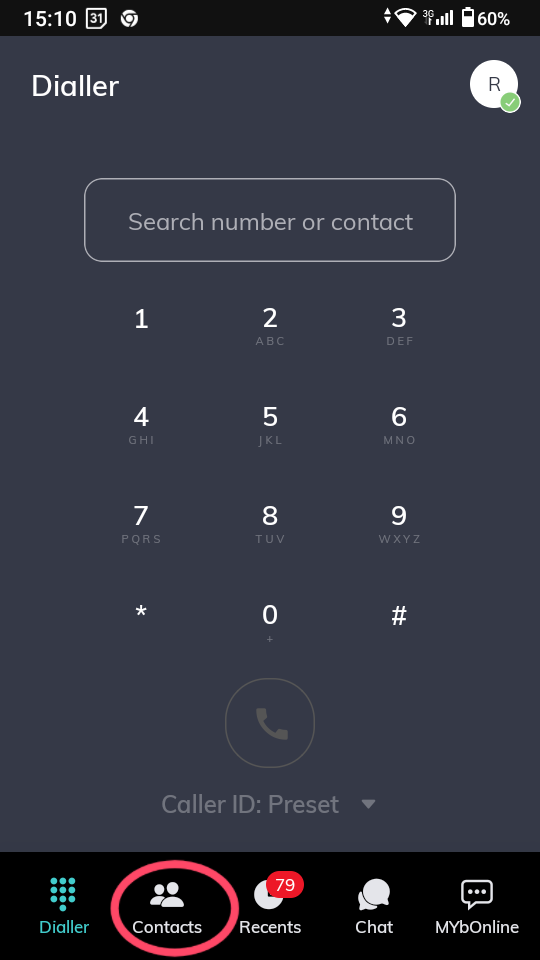
Tap Contacts at the bottom of the screen.
3. Tap the Add Contact icon (the plus '+' symbol) at the top-right of the screen. (Note: This icon is not visible if you are on the dialler screen)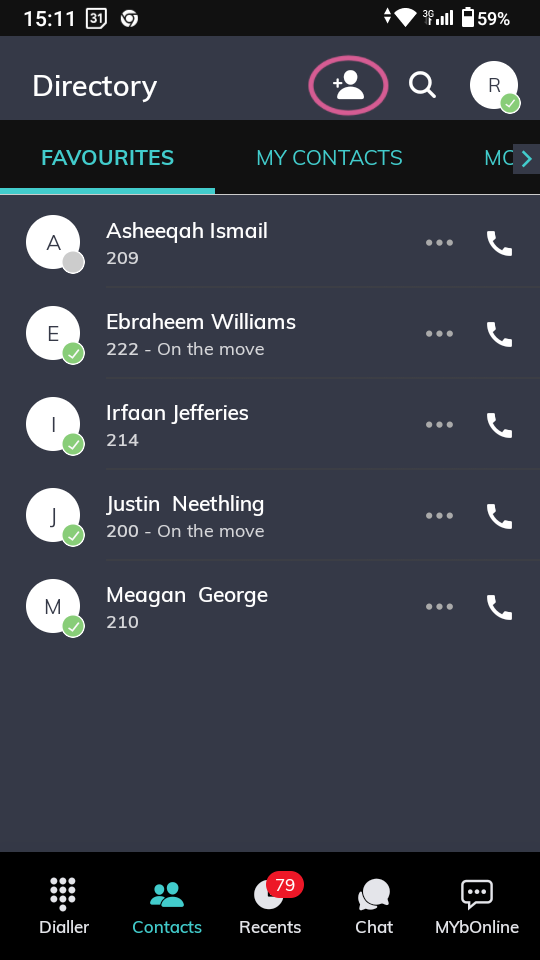
4. Enter the contact details into the relevant fields, such as name and phone number.
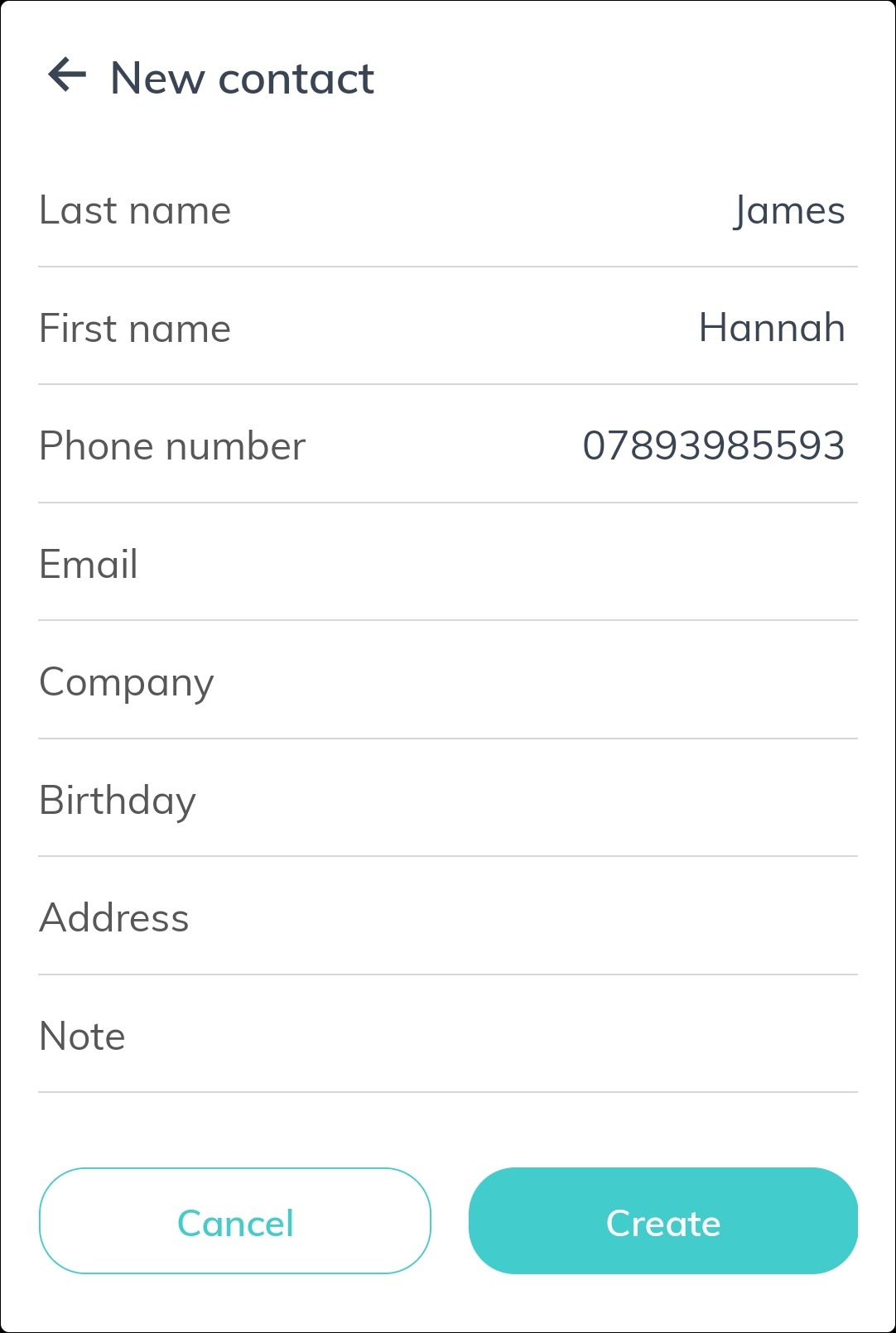
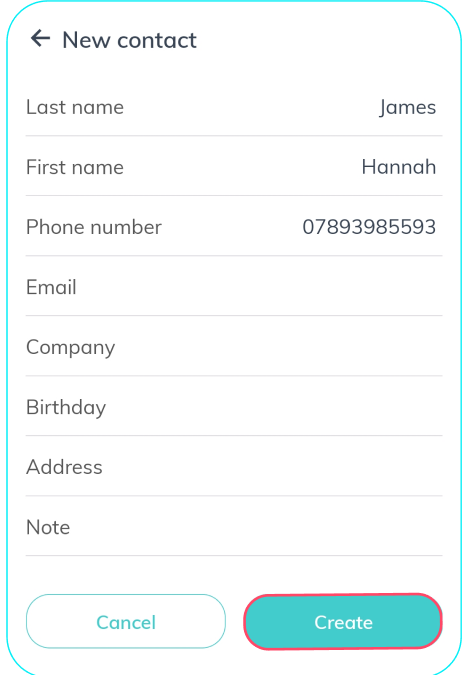
5. Tap Create to save the information.
Was this article helpful?
That’s Great!
Thank you for your feedback
Sorry! We couldn't be helpful
Thank you for your feedback
Feedback sent
We appreciate your effort and will try to fix the article