Take your business phone with you wherever you go. Our beautifully simple mobile app is available for both iOS and Android, so you never miss a call from your customers.
Go to your Relevant App Store
If you're on your mobile, click the link to your relevant app stores.
Alternatively, scan the Android or iOS QR code in the portal to be taken to your relevant app stores.
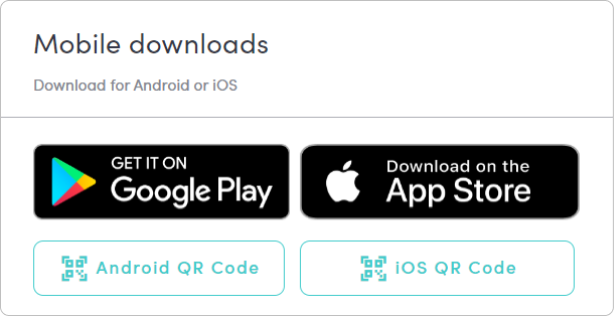
The Links:
Search the bOnline Phone App
Go to 'Google Play' or the 'App Store' and search for 'bOnline Phone'. The app icon will appear in a teal colour.
Was this article helpful?
That’s Great!
Thank you for your feedback
Sorry! We couldn't be helpful
Thank you for your feedback
Feedback sent
We appreciate your effort and will try to fix the article