Transform your computer into a powerful business phone. The bOnline desktop app allows you to make and receive VoIP calls directly from your Windows or Mac device.
Steps
Log in to the MybOnline portal.
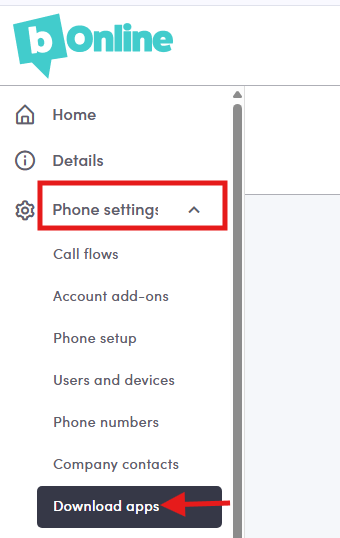
Click on Phone Settings > Download Apps
3. Choose the version best suited for your computer: Download for Windows or Download for Mac.
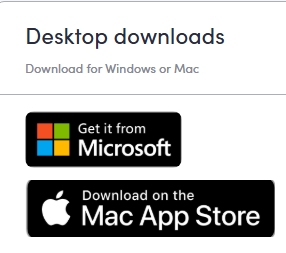
The Links:
Was this article helpful?
That’s Great!
Thank you for your feedback
Sorry! We couldn't be helpful
Thank you for your feedback
Feedback sent
We appreciate your effort and will try to fix the article