Here are quick and easy step-by-step instructions on how you can edit User Add-ons for your business.
Log in to the MybOnline portal.
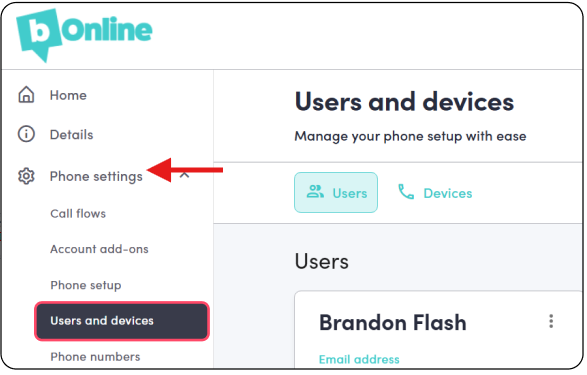
Click Phone Settings > Users and Devices
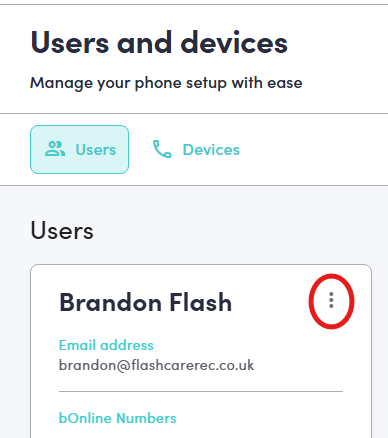
Click on the three vertical dots next to the user's name.
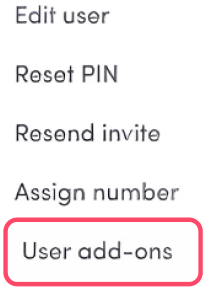
Click on User Add-on
Was this article helpful?
That’s Great!
Thank you for your feedback
Sorry! We couldn't be helpful
Thank you for your feedback
Feedback sent
We appreciate your effort and will try to fix the article