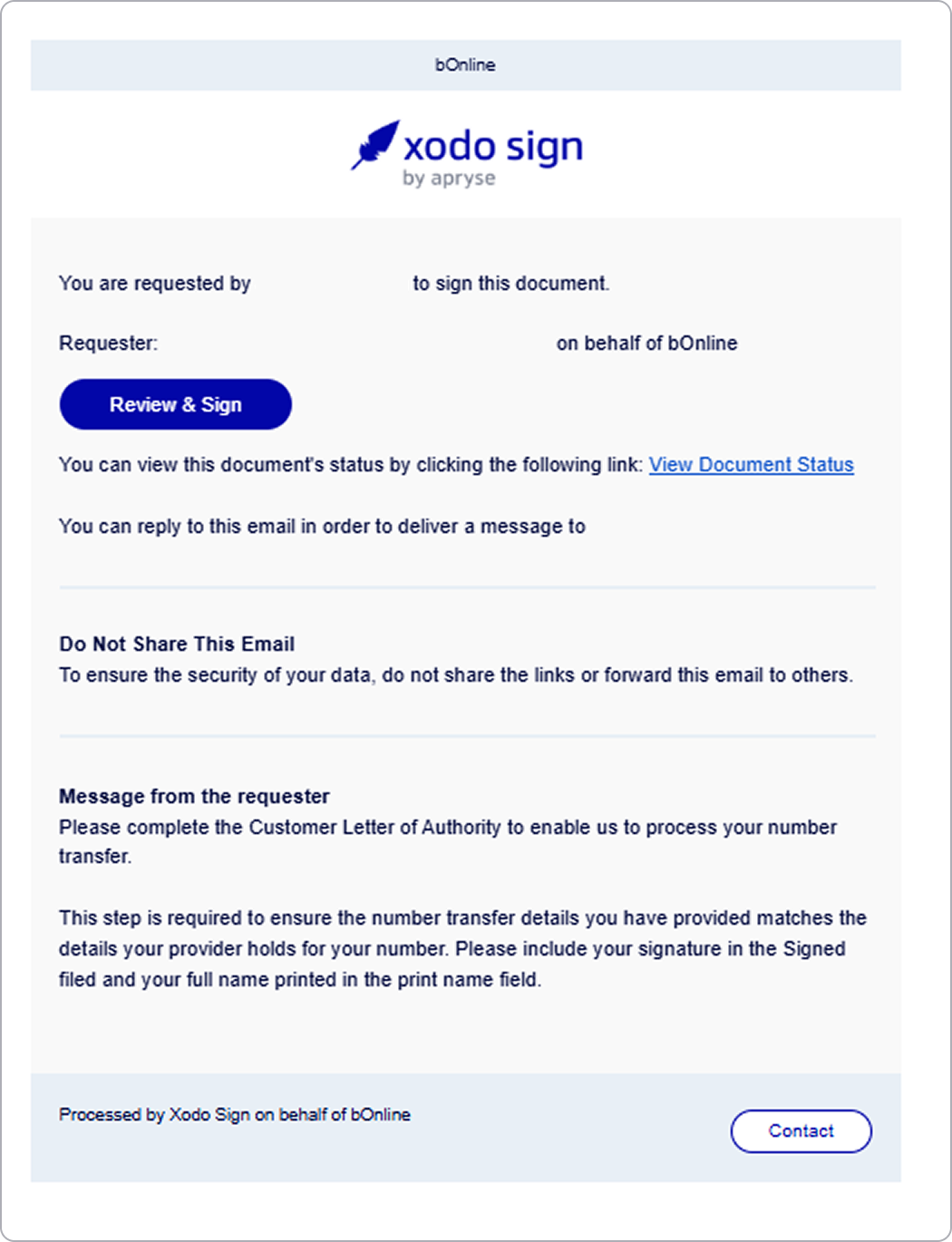
When you request to transfer (port) your phone numbers to bOnline, you’ll receive a CLOA form to sign. This article explains what the CLOA form is, why you may receive more than one, and what happens after submission.
Please note: A CLOA form is a legal requirement for all number transfers. Your transfer cannot begin until all forms are signed and submitted.
What Is a CLOA Form?
Here is what the CLOA form does:
- Authorises transfer: it allows bOnline to move your phone number(s) from your current provider.
- Mandatory: it must be signed before the transfer can proceed.
Why Have I Received More Than One CLOA Form?
Here are the reasons you may get multiple forms:
- Multiple numbers: each phone number requires its own CLOA form.
- Individual submission: every form must be signed and submitted separately.
What If I Cannot Edit Some Fields?
Here are the key points to remember:
- Editable fields only: complete the fields that are open for editing.
- Locked fields: these are pre-filled from your original transfer request.
- Additional numbers: each number has its own CLOA form — check your inbox for separate forms.
What Happens After I Submit the CLOA?
Here are the steps in the process:
- Step 1 – Porting Team Submission: the porting team sends the transfer request to your current provider.
- Step 2 – Transfer Journey Starts: you’ll be updated when the port process begins.
- Step 3 – Track Progress: you can monitor your transfer status in the MybOnline portal under Order Tracker.
Related Articles
Contact Us
We're always up for a chat! Live chat is available via the mybOnline sidebar or from the bottom-right corner of this page.
Other Contact Options
Reach the support team via WhatsApp for quick queries.
Log in to mybOnline and use the in-portal contact options.
Was this article helpful?
That’s Great!
Thank you for your feedback
Sorry! We couldn't be helpful
Thank you for your feedback
Feedback sent
We appreciate your effort and will try to fix the article